A fitness coach website does one job: turn a visitor from Instagram or Google into a conversation or a sign-up. Most coach websites try to do five jobs instead, with a blog, a shop, a gallery and three different offers, and the visitor leaves without choosing.
This guide covers what to put on the page, in what order, what to leave out, and why the part after the button matters as much as the page itself.
What should a fitness coach website include?
One offer, explained clearly, with proof and a single next step. In this order:
- 1A headline that names the clientWho you help and the result you work toward, in one sentence. “Strength coaching for busy parents” beats “Transform your life”.
- 2How the coaching worksThree or four steps: intake, a program built for them, weekly check-ins, adjustments. Visitors want to picture the week, not read a philosophy.
- 3ProofClient results shared with permission, a short story about your own background, and certifications if you have them.
- 4Pricing or a starting priceA clear price, or at least “from”, saves you calls with people who were never going to buy.
- 5A short FAQAnswer the questions you hear on every call: equipment, time per week, nutrition, what happens if I miss a week.
- 6One buttonBook a call, fill out the intake form or start now. Pick one and repeat it down the page.
Do online coaches need a website or is Instagram enough?
Instagram brings people in, but a profile is a poor place to explain an offer. A simple page linked from your bio gives every interested follower the same clear explanation, and it can show up in Google for searches Instagram never reaches.
What should you leave off the page?
- Several offers at once. Lead with one. Other options can live further down or come up on the call.
- Generic stock photos. A real photo of you training or coaching does more than a model in a studio.
- Long bios. Two short paragraphs about why you coach and who you coach is enough.
- Results without permission. Only share client photos and stories the client agreed to, and say what the timeline was.
- Big promises. Specific, honest expectations build more trust than guaranteed numbers.
What happens after a visitor signs up?
This is where many coach websites lose people. A sharp page followed by a PDF program and a chat thread feels like two different businesses. The first week should look as professional as the page that sold it.
How Coach+ fits next to your website
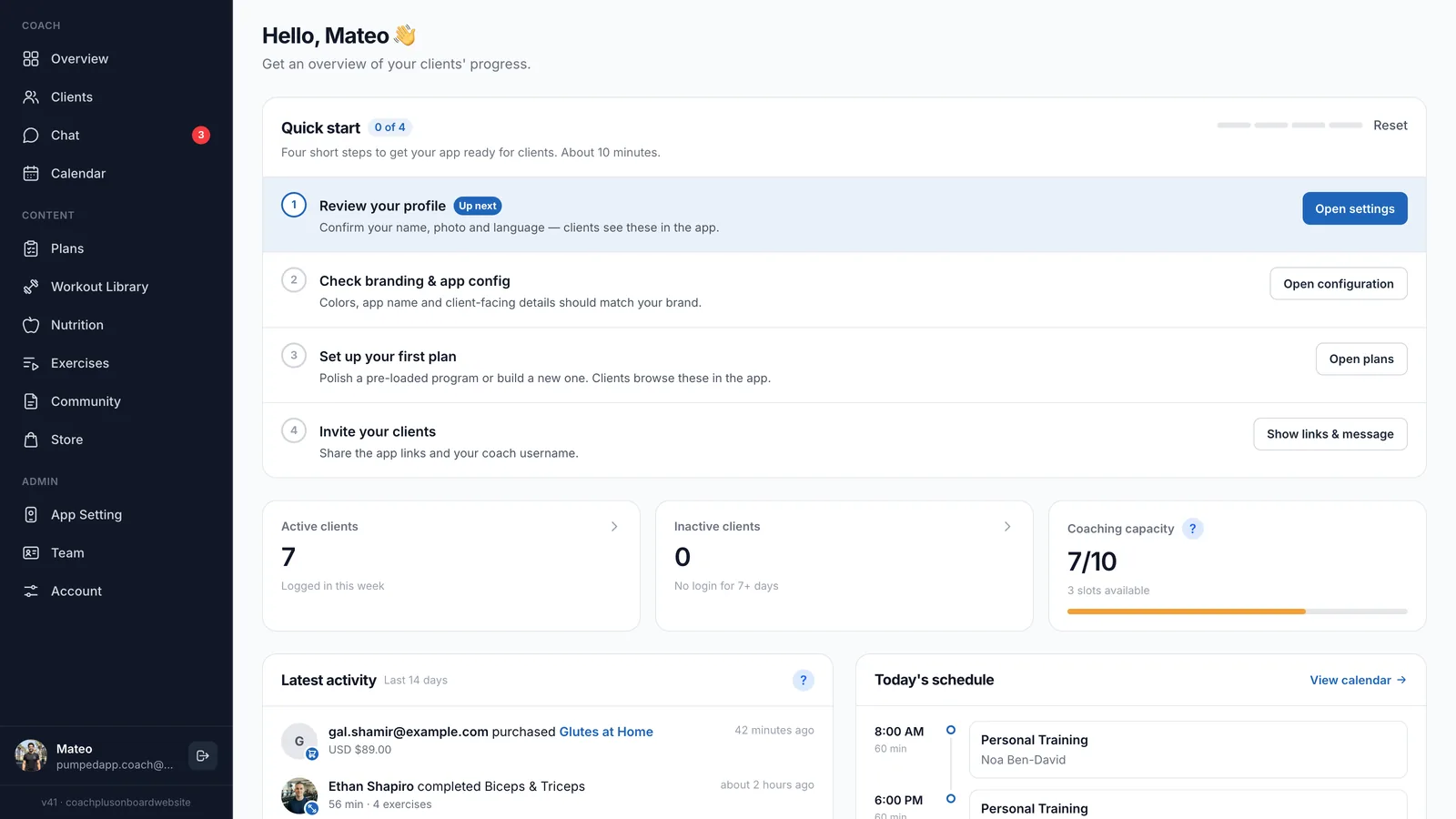
Coach+ is coaching software, not a website builder. Your page sells the coaching, and Coach+ runs it from the moment a client starts.
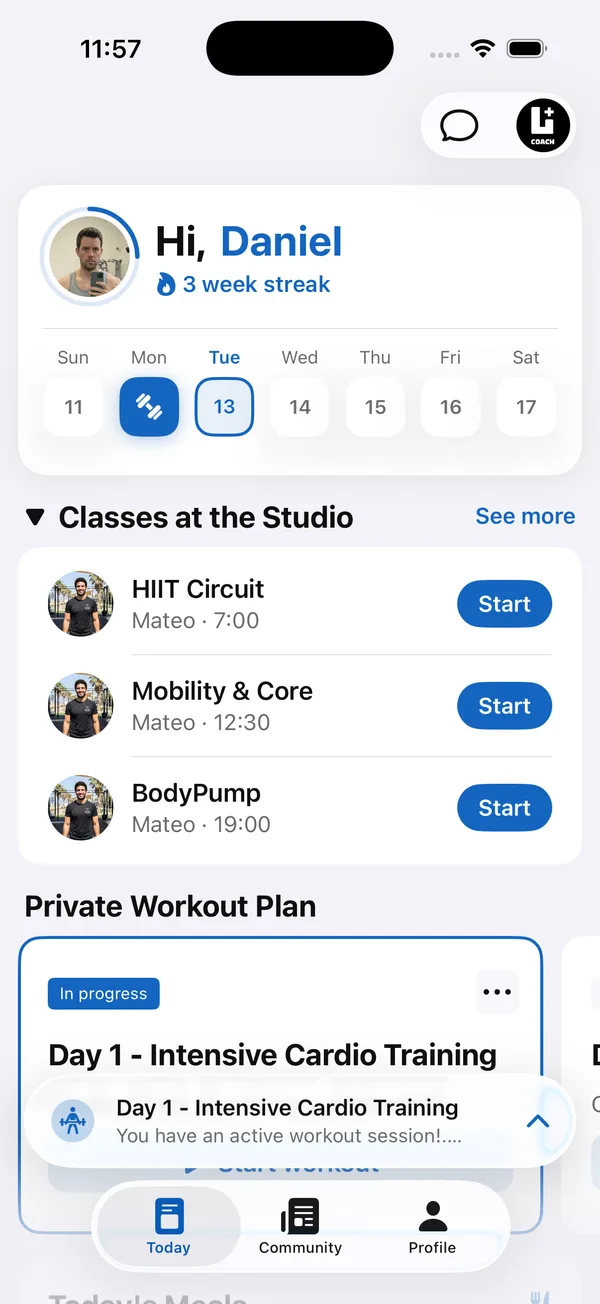
- A branded web app on every plan, so clients train in an app with your name on it. Native iOS and Android apps under your brand on the top plan.
- A storefront on the top plan to sell programs with 0% commission, which can link from your website.
- AI that drafts training programs and meal plans you review before clients see them, and turns Excel or PDF programs into plans.
- Weekly check-ins with progress photos, messaging, and a calendar with client self-booking and Google Calendar sync.
- A private community feed in your app where finished workouts and PRs post automatically.
Plans are $39, $89 and $199 a month for up to 10, 45 and 150 clients, in English and Hebrew.