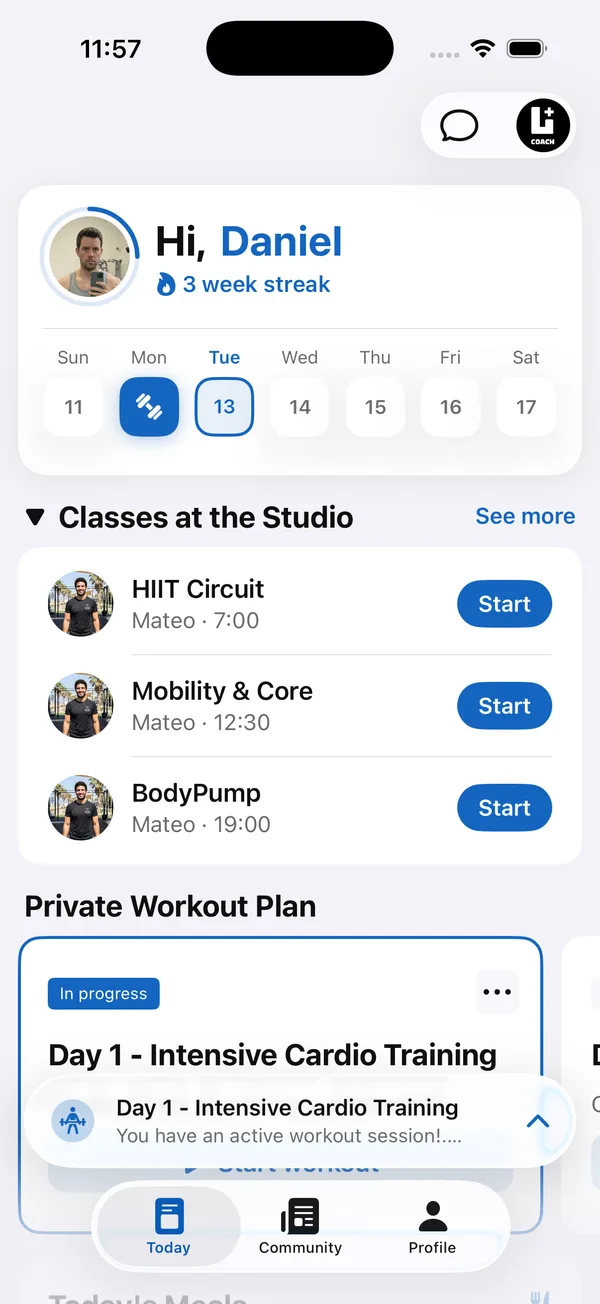
The best scheduling app for personal trainers is the one that ends the “does Tuesday at 6 work?” messages. Arranging sessions by message eats time, and every manual booking is a chance for a mix-up.
This guide covers what a scheduling app should do for a trainer, when a free booking tool is enough, why it matters where booking lives, and the booking rules that keep no-shows down whatever app you use.
What should a scheduling app for personal trainers do?
It should let clients book themselves within rules you set, and give you one clear view of the week. Everything else is a bonus.
- Bookable services. Each session type with its own name, duration and price, such as a 60-minute session or a free 20-minute intro call.
- Weekly availability. Hours set once per day of the week, so clients only see times you actually want to train.
- Client self-booking. Clients pick an open slot themselves, without a message thread.
- Calendar sync. Sessions appear in Google Calendar next to the rest of your life, so you don’t double-book.
- A readable week view. Every session labeled with the client’s name and time, at a glance.
Is a free scheduling app good enough for personal trainers?
For a trainer with a handful of in-person clients, a free booking link can work. The cost shows up later, when clients need a separate app and login just to book, and your schedule lives apart from their programs and messages.
- You copy the same client details into two or three tools.
- Clients have one app for booking, another for workouts and a chat app for questions.
- You can’t see a session next to what the client logged or said in their last check-in.
Standalone booking tool or booking inside your coaching app?
If you also write programs and coach clients between sessions, booking inside your coaching app is usually the better choice. Clients book where they already train, and you see the whole client in one place.
- Standalone tool: fine if you only sell sessions and don’t send programs, meal plans or check-ins.
- Built into your coaching platform: better once clients follow a program, log workouts or message you, because everything sits in one app under your brand.
How do you cut no-shows and late cancellations?
With a written cancellation policy that clients agree to at the start, applied the same way every time. The app helps clients book, but the rules are yours.
- 1Set a cancellation windowFor example, 24 hours. Cancelling earlier is free, later counts as a used session.
- 2Put it in writing at onboardingAdd it to your intake or welcome message so nobody is surprised the first time it applies.
- 3Offer to reschedule firstA client who moves a session is better than a client who skips it. Make the open slots easy to find.
- 4Apply it consistentlyOne exception for everyone is fine, such as a real emergency. Exceptions for some clients only cause resentment.
How Coach+ handles scheduling
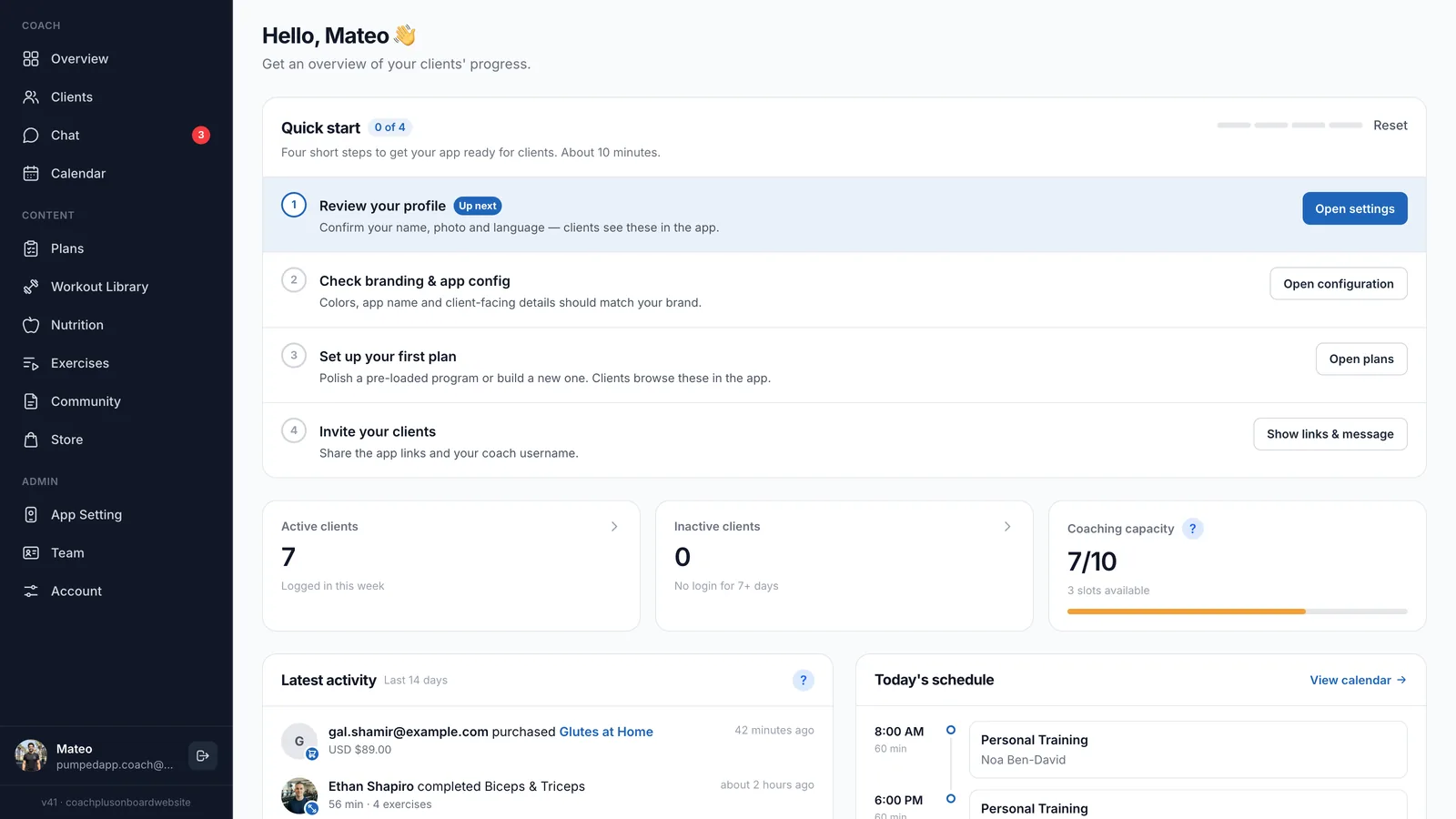
In Coach+, the calendar sits in the same platform you use for programs, nutrition, check-ins and messaging, and clients book open times themselves from your branded app.
- A calendar of every booked session, inside the same platform as your clients’ programs and meal plans.
- Client self-booking, so sessions get set without a message thread.
- Google Calendar sync, so booked sessions sit next to the rest of your schedule.
- Clients book in the same app where they log workouts, follow their meal plan, send check-ins and message you.
For services, availability and the calendar views in detail: see Coach+ scheduling and booking