A CRM for personal trainers sounds like a sales tool, and most generic CRMs are built that way: leads, deals, stages and follow-up reminders. That part matters for a few minutes a day. The other hours go into clients who already pay you.
This guide explains what a trainer actually needs to track, where a generic CRM falls short, and how to set up a simple system for leads and a proper one for clients.
What is a CRM for personal trainers?
It is the place where you keep everything about each person you coach, from the first message to the latest check-in. For a trainer, the record is less about the sale and more about the work that follows it.
- 1Leadsname, where they came from, what they asked and when to follow up.
- 2Clientsgoals, health notes, the current program, logged workouts, measurements and photos.
- 3Conversationmessages and feedback, tied to the client instead of scattered across apps.
- 4Schedulesessions booked, cancelled and coming up.
Do personal trainers need a sales CRM?
Usually not. A trainer with a handful of new inquiries a week can run leads from a simple list with four columns: name, source, last contact and next step. A full sales pipeline is built for teams handling hundreds of deals.
The real gap is after the sale. A generic CRM stores a contact and a note. It does not hold a training program, a set-by-set workout log, a meal plan or a weekly check-in with photos. That is where trainers end up gluing together a CRM, a spreadsheet, a notes app and a chat app.
What is the best CRM for personal trainers?
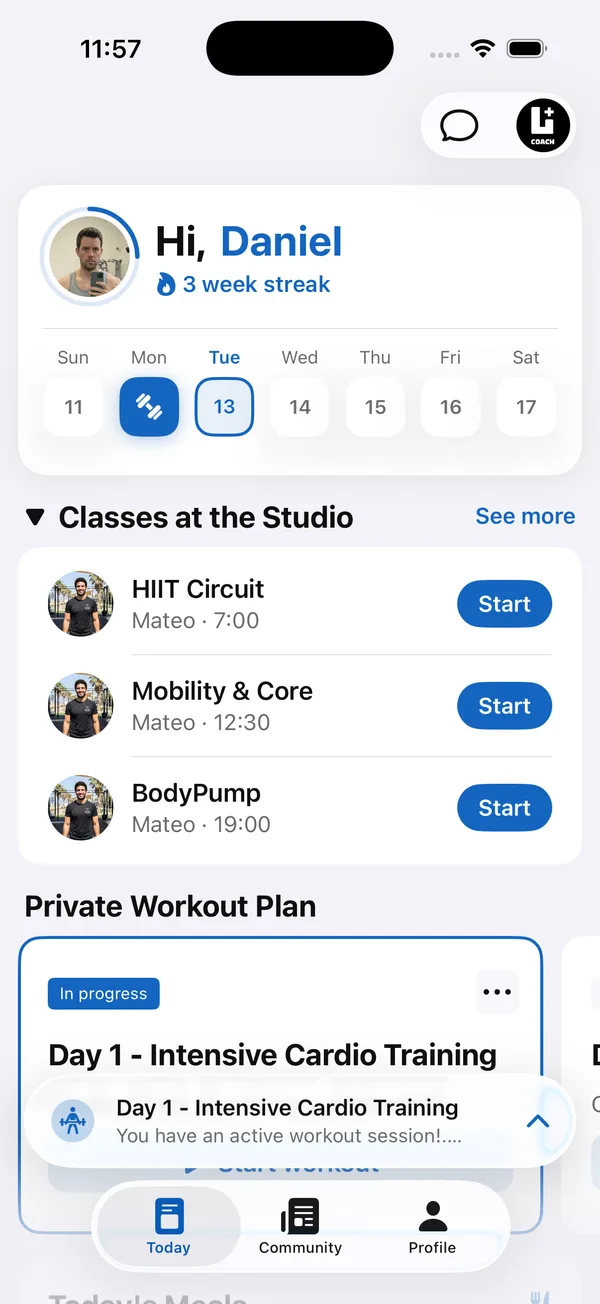
The best CRM for most personal trainers is coaching software with client profiles built in, not a sales CRM. It should hold the program, workout logs, check-ins, nutrition and messages for each client, and give clients an app they open every day so the data fills itself in.
- 1One profile per clientprogram, logs, check-ins, meal plan and chat on one screen.
- 2A client appclients log workouts and send check-ins themselves, so you are not typing their data in.
- 3Signals, not just recordsit should be easy to see who has gone quiet or stopped logging this week.
- 4Bookinga calendar clients can book from, synced with the calendar you already use.
- 5A price that fits your client countpricing by number of clients is easier to plan than paying per feature.
For a side-by-side look at coaching platforms and what they cost, see this comparison: Best software for personal trainers
What should a personal trainer CRM track?
Track what you use to make decisions about a client. If you never look at a field, drop it.
CRM, spreadsheet or coaching software: which one fits?
It depends on how many clients you have and how much of the coaching happens between sessions.
- Spreadsheet. Fine for a few clients and for a lead list. It breaks once each client has a program, a log and photos, because nothing connects.
- Generic CRM. Good at contacts and follow-ups. It has no place for programs, workout logs or nutrition, so you still need other tools.
- Gym management software. Built around memberships, entries and billing for a facility. Useful for a gym, less so for coaching individual clients.
- Coaching software. Built around the client: program, logging, check-ins, nutrition and chat in one profile, with an app the client uses every day.
To compare coaching software options feature by feature, use this checklist: Personal trainer client management app
How Coach+ works as a client CRM
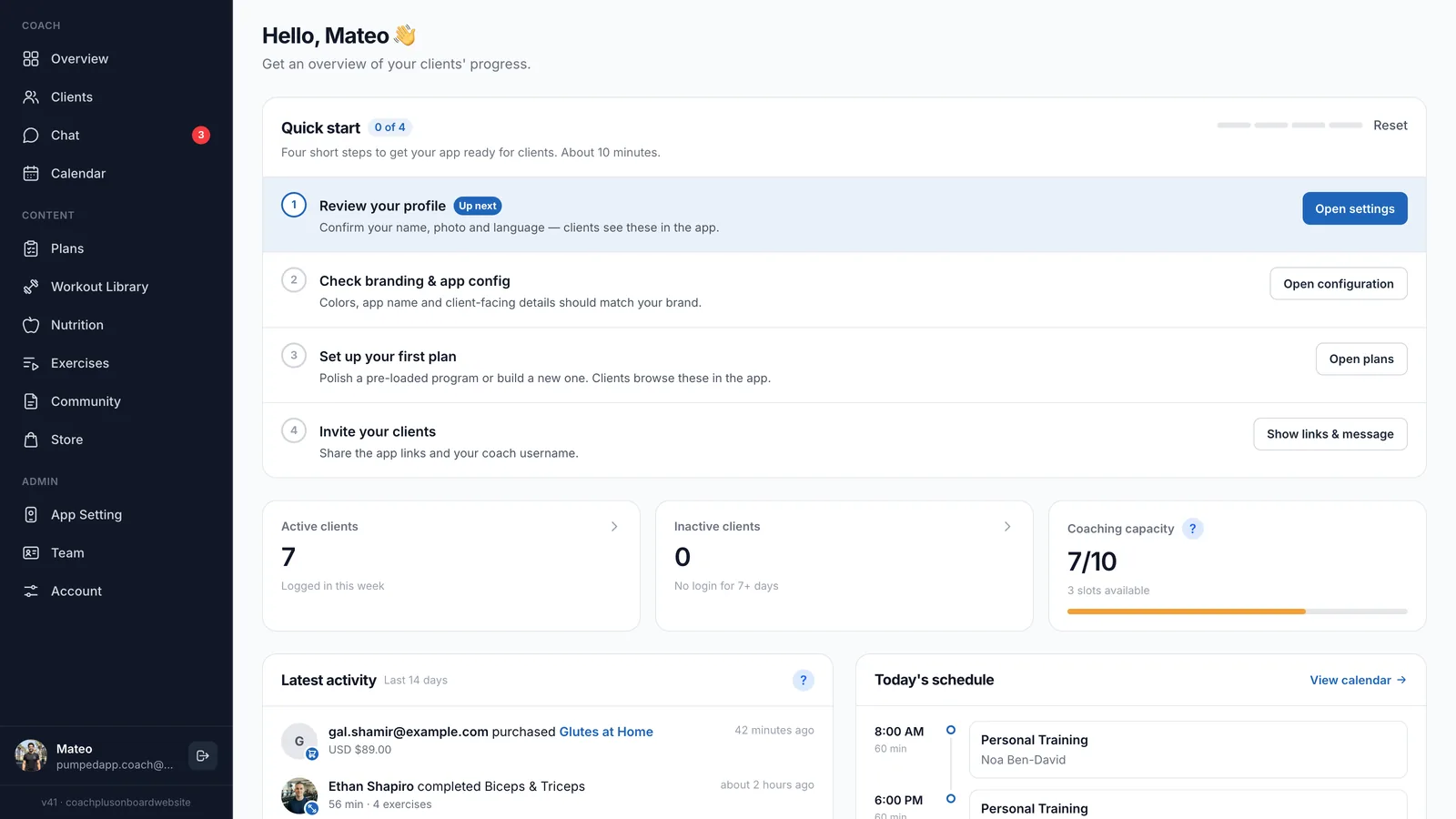
Coach+ is coaching software rather than a sales CRM. It gives you one profile per client in the coach dashboard, and each client uses your branded app, connected to it.
- A workout and plan builder with 500+ exercises with demo videos, plus your own custom exercises.
- AI that drafts training programs and meal plans for you to review before clients see them, and turns your Excel or PDF programs into plans.
- Workouts that clients log set by set, and an AI workout analyzer that gives one recommendation you apply with one tap.
- Weekly check-ins with progress photos, and nutrition tracking by barcode, photo or search.
- Messaging, a calendar with client self-booking and Google Calendar sync.
- Teams of up to 10 coaches, in English and Hebrew.
Plans are $39, $89 and $199 a month for up to 10, 45 and 150 clients. Keep your lead list wherever it works for you, and move each new client into Coach+ on day one.